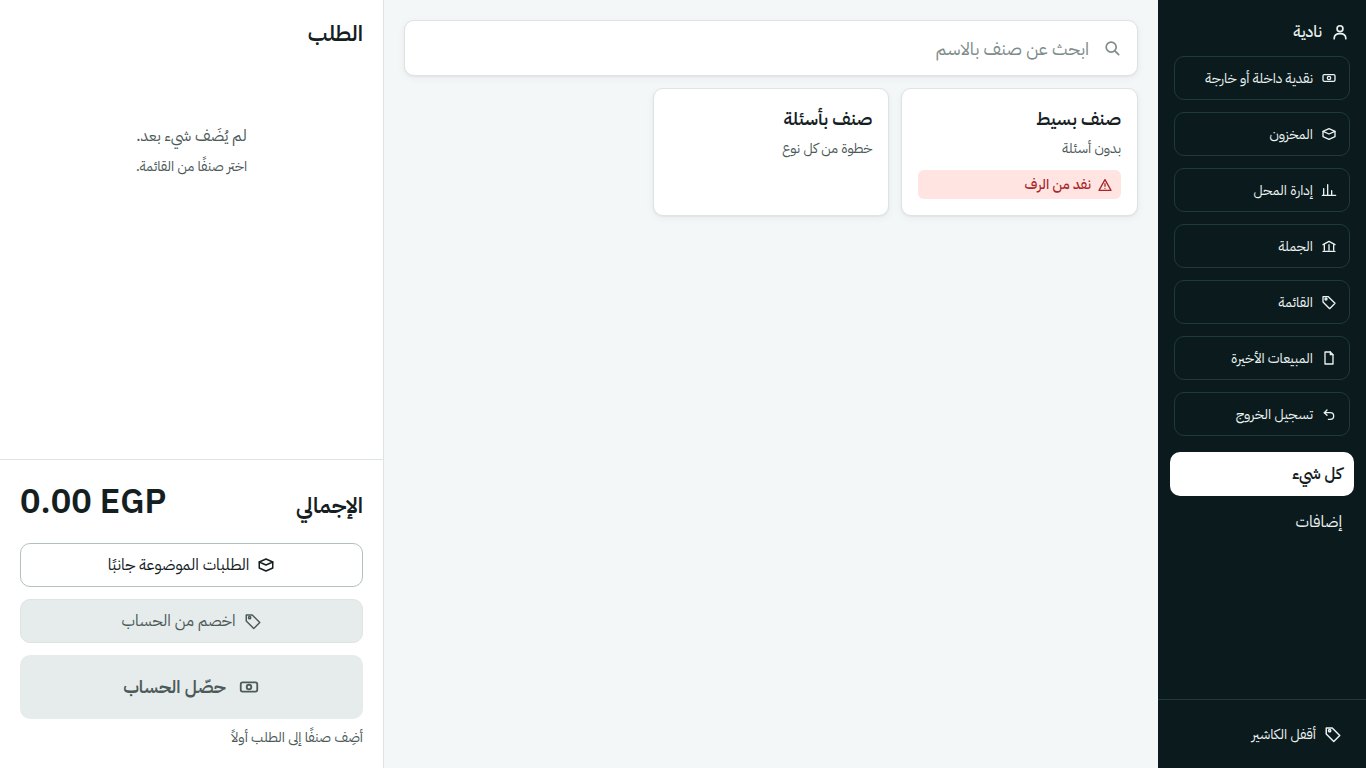
Counter is a point-of-sale product rather than a one-off build: a single codebase deployed repeatedly to independent shops, each running its own local database. LCookies, a cookie shop in Egypt, is the first shop running it. It is offline-first by design, because a shop counter cannot stop selling when a connection drops.
Designed for the counter, not the demo
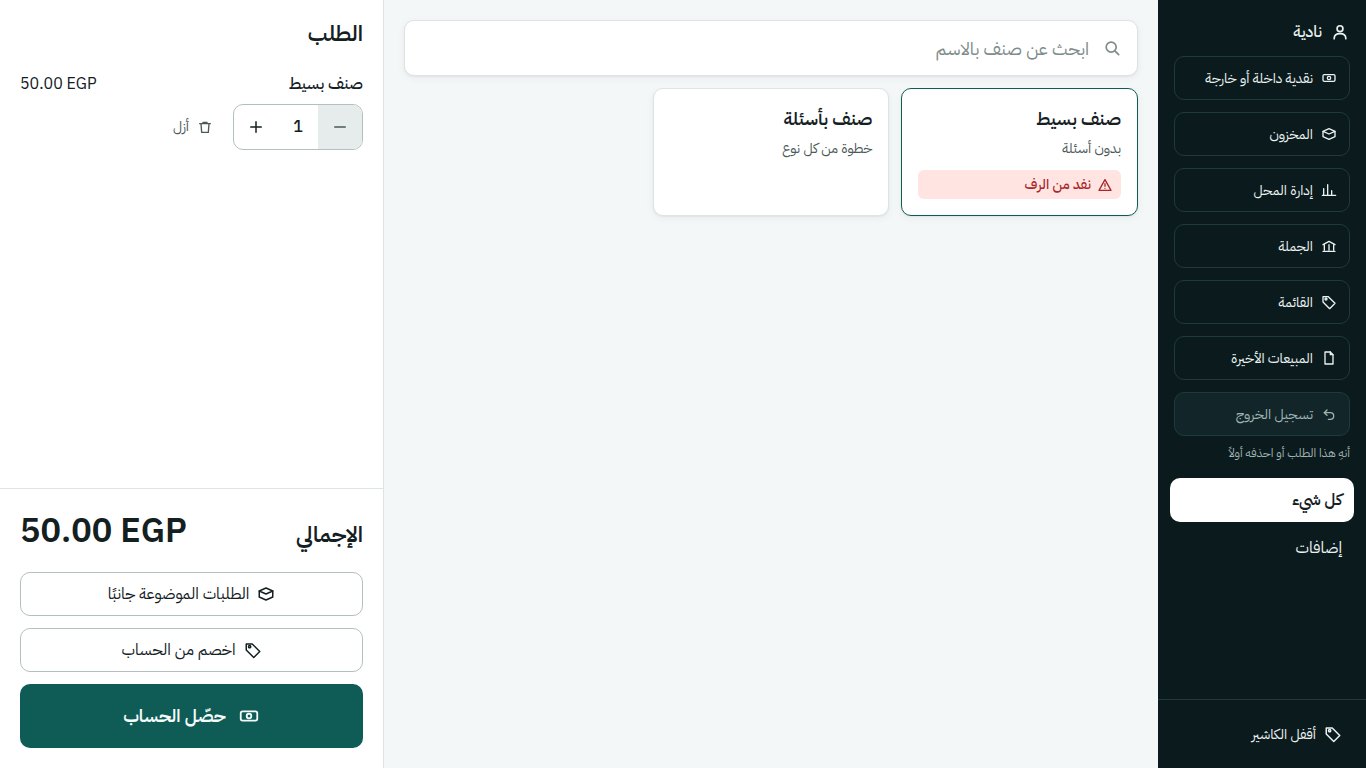
The whole interface is shaped by one scene: a cashier under bright shop lighting, glancing at the screen for under a second between handing over a box and taking cash, possibly in their first week on the job, possibly with a queue. That drove the decisions: touch targets no smaller than 44px, large item tiles, an on-screen keypad so a sale completes without a keyboard, and a single light theme because dark surfaces mirror shop glare.
Colour carries only one meaning: the state of money. Settled, awaiting confirmation, refused. The primary action is the highest-contrast element rather than a coloured one, so nothing competes with the signals a shop can lose money by misreading. Every icon is vector geometry from the product's own set, with no emoji and no icon font, because an icon font missing on the shop's Windows renders as an empty box next to the money.
The shop day
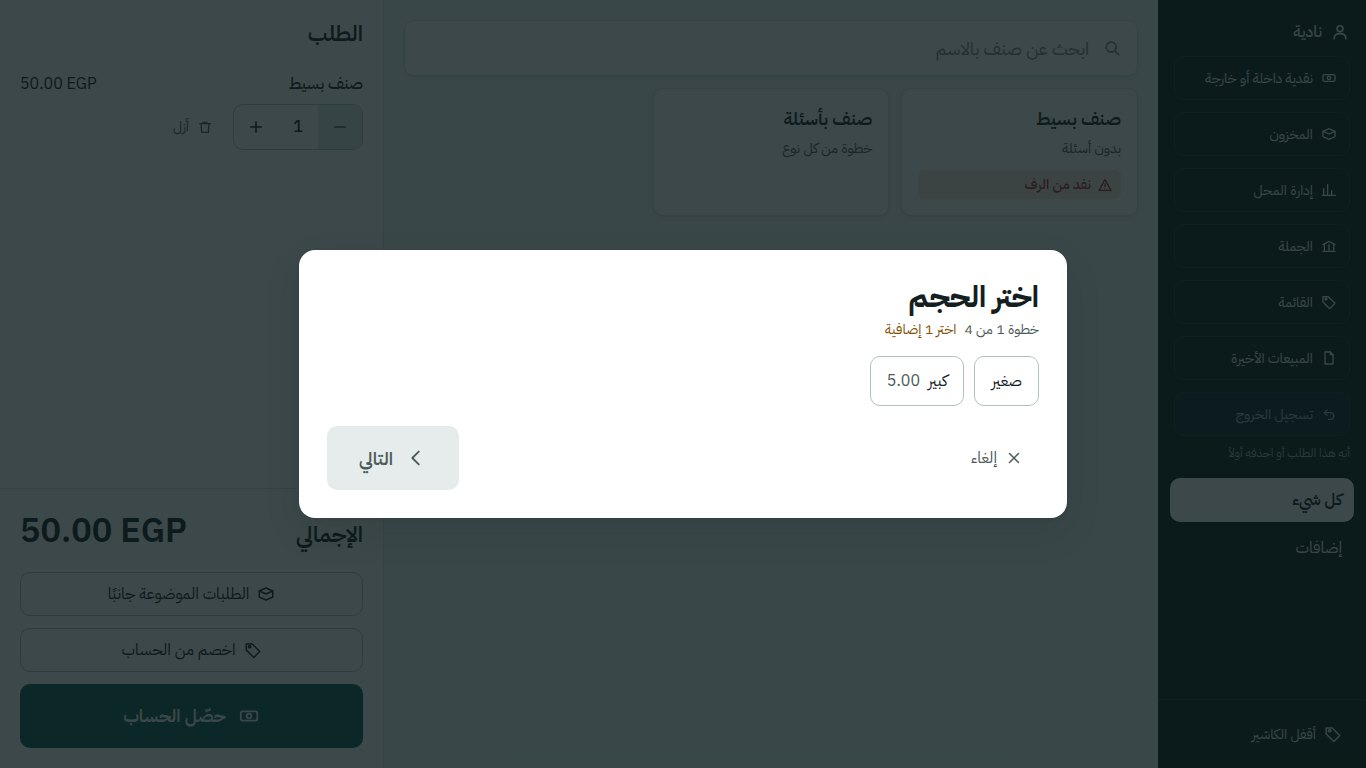
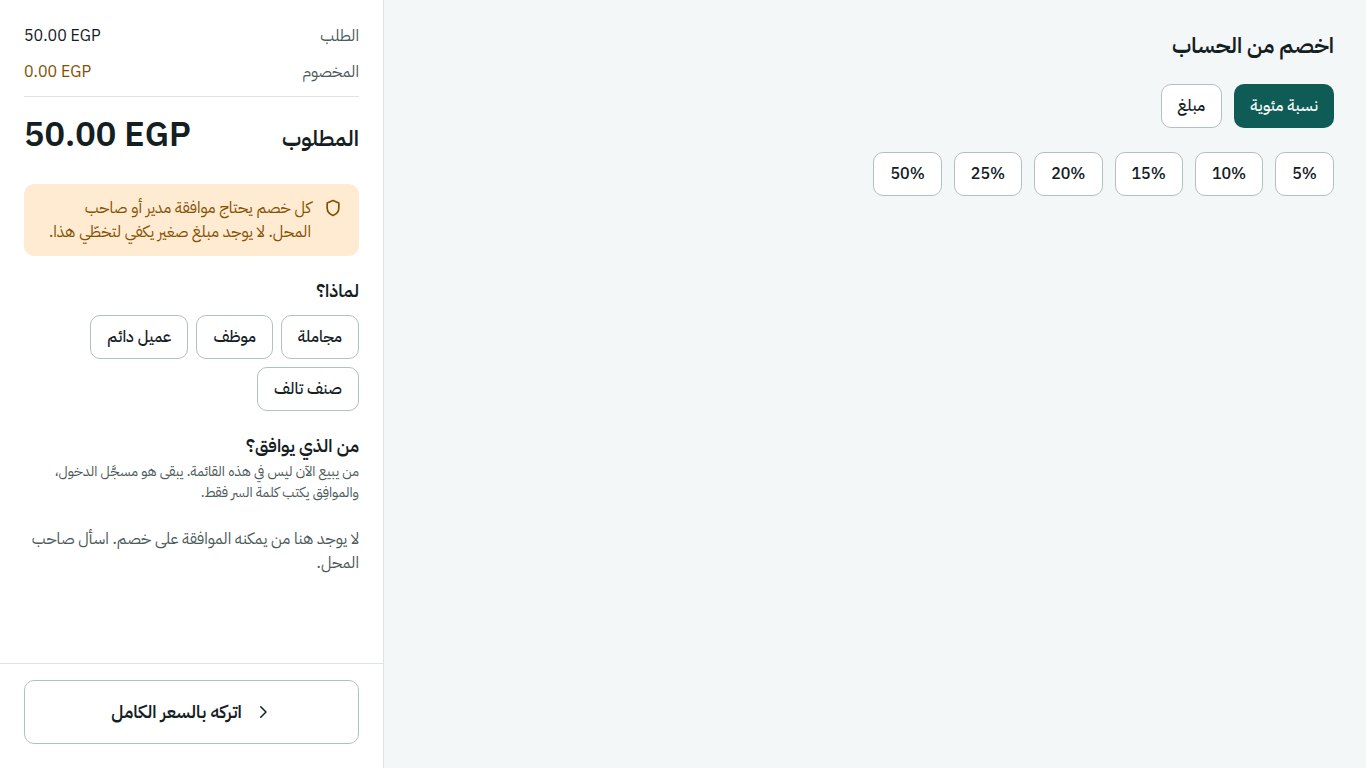
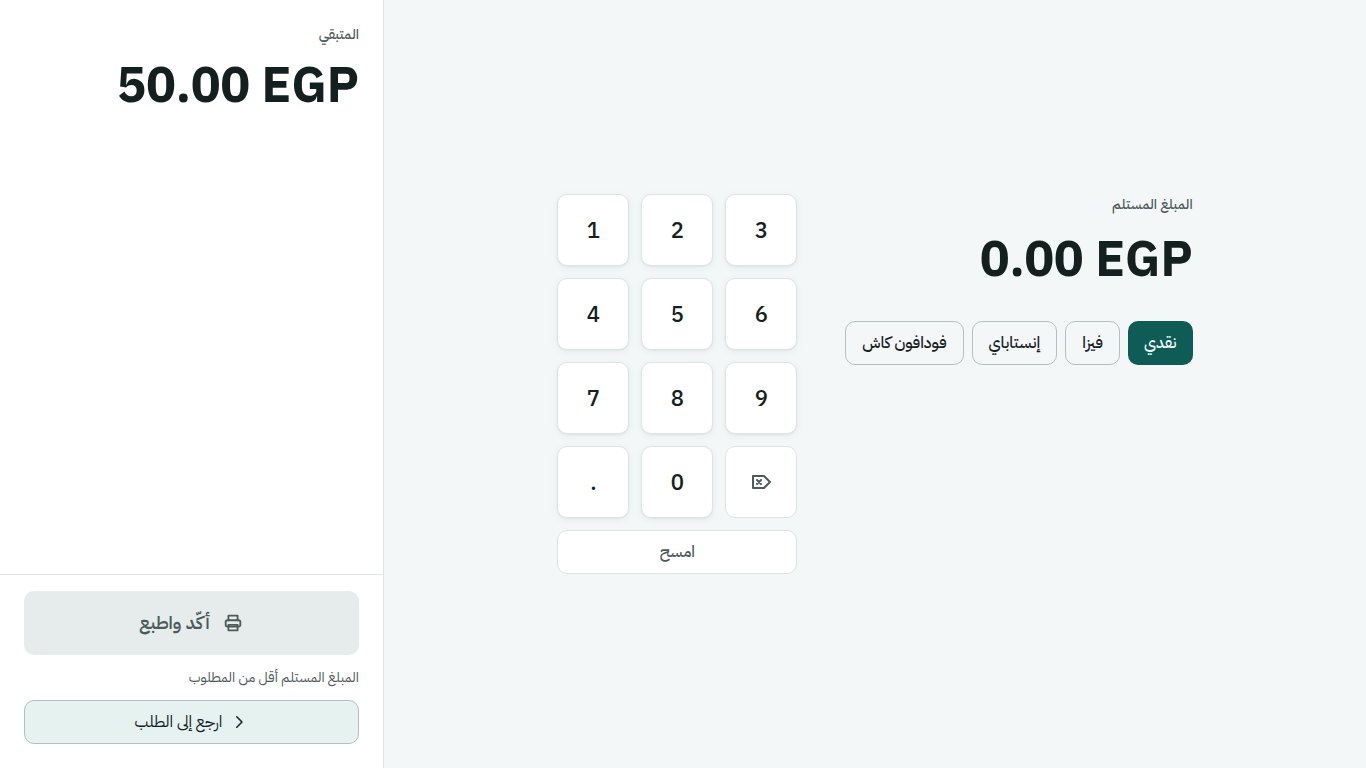
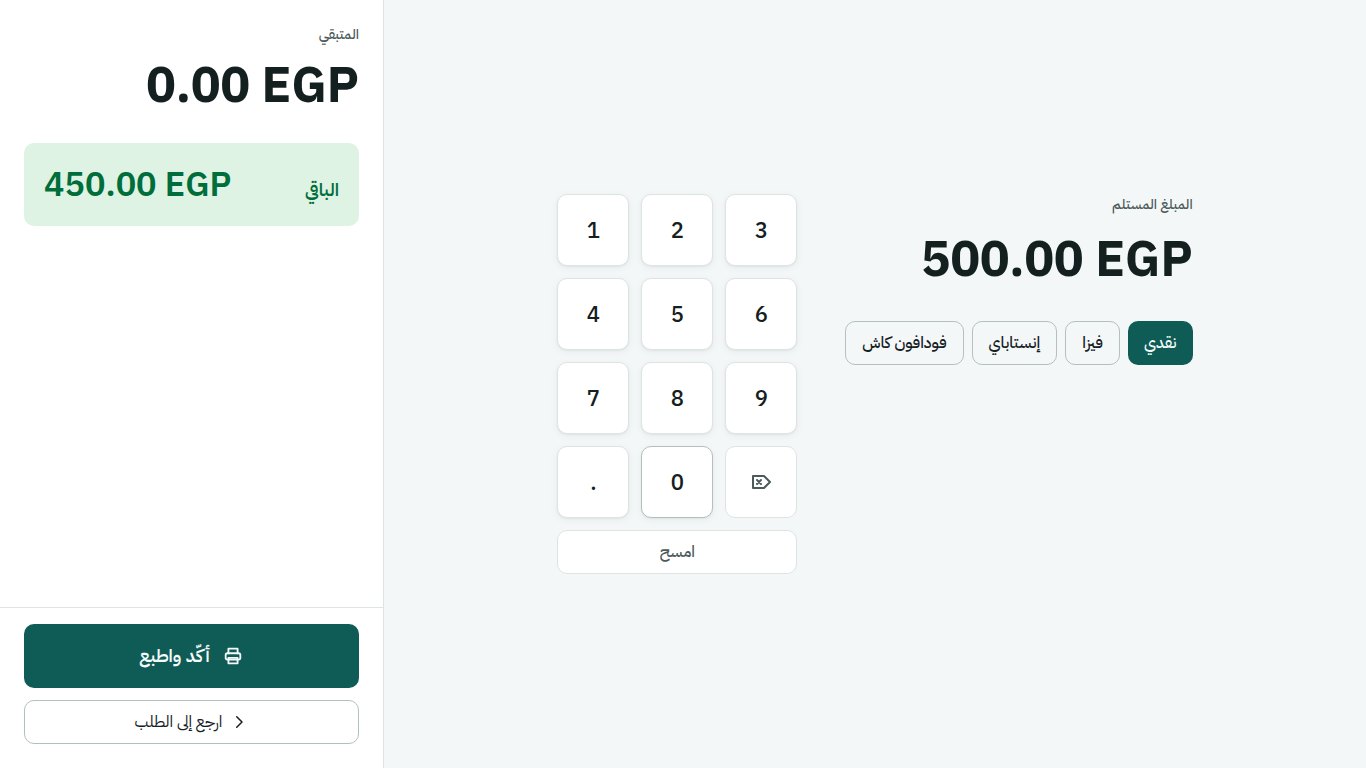
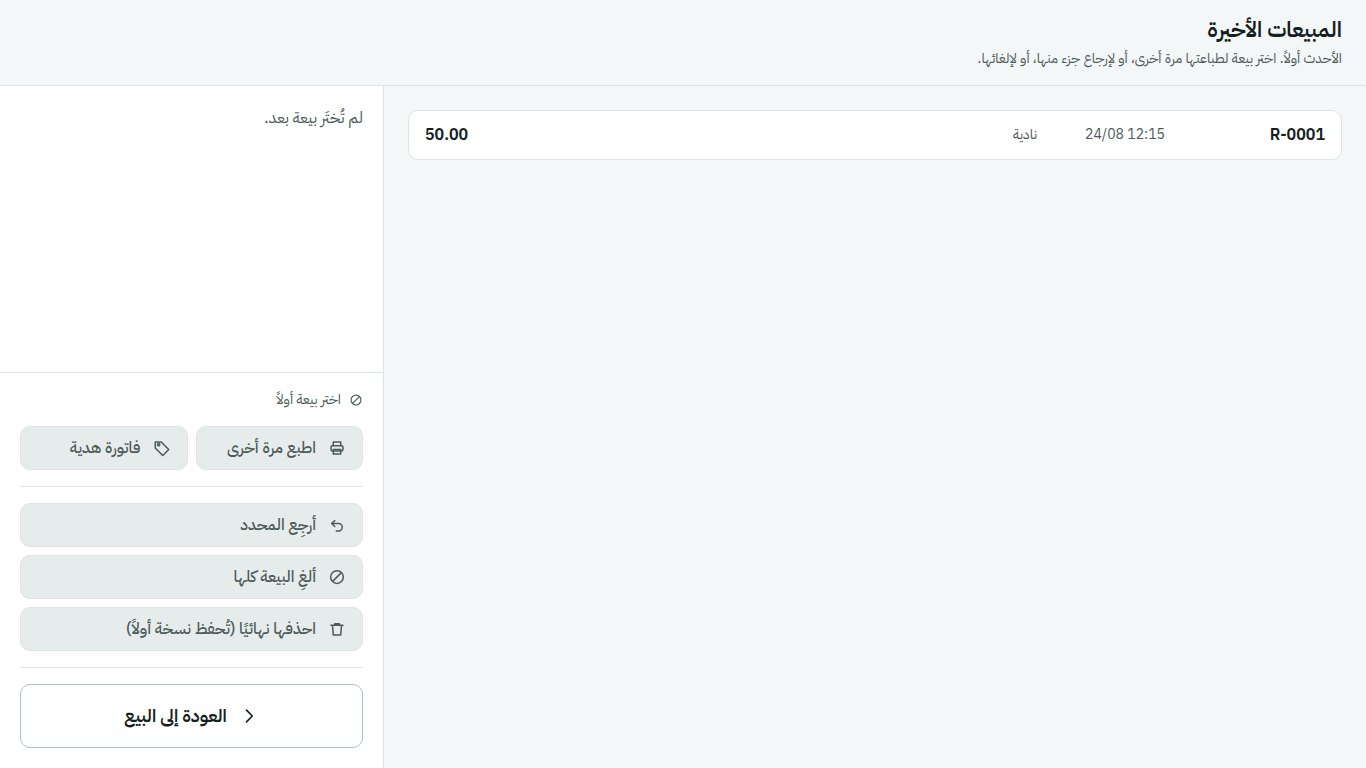
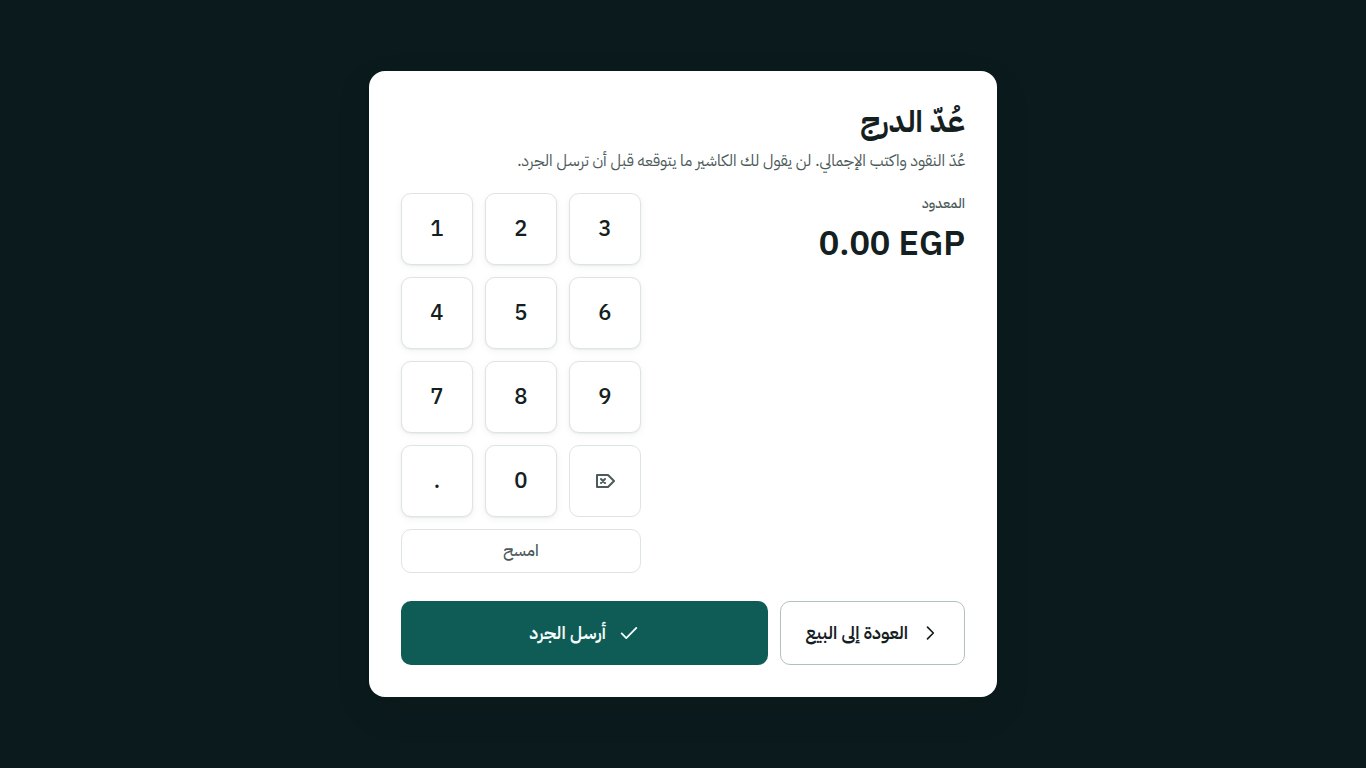
The build covers a full day rather than just the sale: setting up the till, identifying who is working it, opening with a counted float, searching the menu, walking item options through a step picker that prevents cashier error, applying discounts under approval, taking money and calculating change, reviewing recent sales, and counting the drawer down at close.
Durability
The ordering rule is commit, fsync, then print, so a receipt never prints before the sale is durably stored. And a machine error is never a sentence a person reads: raw database errors are translated before they can reach a cashier standing in front of a customer.